

Get App
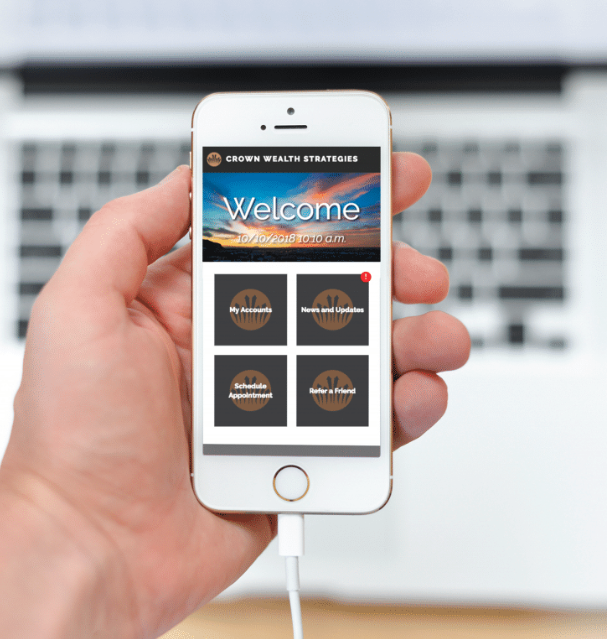
Announcing our new Mobile App
Designed to help you stay better connected to your accounts and to us.
Features include:
- Easily check your accounts
- Request an appointment
- Click-to-call office directly
- Company news and updates
- Watch financial videos
- Refer your friends
- And more!
Download On Apple Devices
Step One:
Open Safari on your phone, and type in the URL: lmgapps.com/CrownWealthStrategies
Step Two:
Click this button at the bottom of the screen.
Step Three:
Look at the row of gray icons and swipe right until you see the "Add to Home Screen" option, and click add.
Having Trouble?
- If you don't see the "add to home screen button", you may need to scroll right or left to find it.
- Also make sure you are in Safari, not Chrome or Firefox. You must use Safari on an Apple device to download our app.
Download On Android Devices
Step One:
Open Chrome on your phone, and type in the URL: lmgapps.com/CrownWealthStrategies
Step Two:
Click this button at the top right of the screen
Step Three:
Click on "Add to Home Screen"
Having Trouble?
- If you don't see the "add to home screen button", you may need to scroll up or down to find it.
- Also make sure you are in Chrome, not Firefox or another browser. You must use Chrome on an Android device to download our app.